
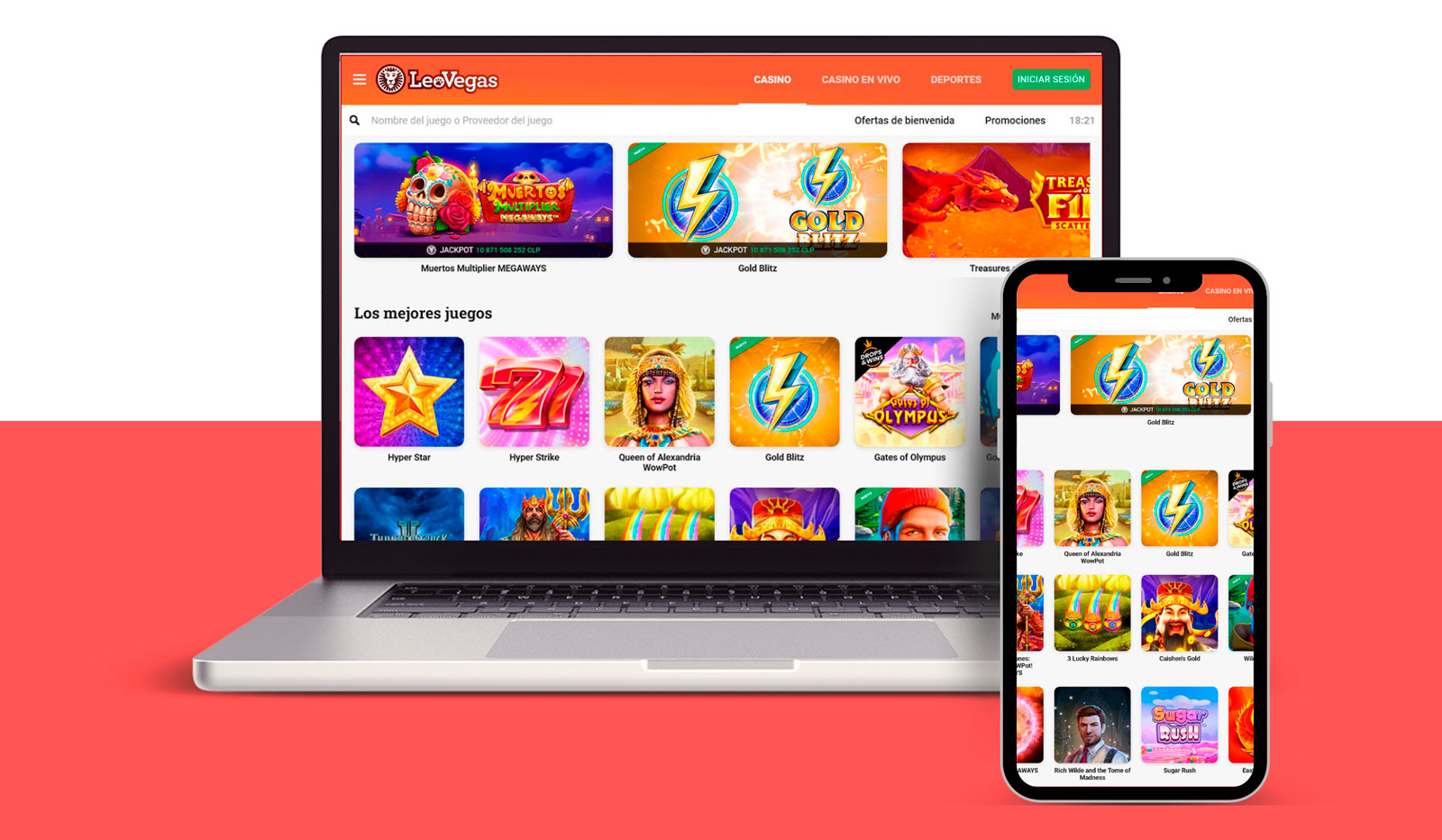
Mobile casino software run straight on smartphones and tablets without needing a browser. They feature account management, game libraries, payment processing and support tools that align with desktop sites, but they are built for touch screens and mobile networks. The code executes locally, so the software can cache graphics, cache results and keep sessions stable even when signal strength fluctuates. Players experience faster loading times and smoother animations than they obtain from a mobile web page. Knowing how these applications are developed, distributed and maintained helps users choose whether to install one and how to keep it running reliably on their device.
System and Operating System Requirements
Before the download starts, the device must meet the system version and hardware requirements defined by the developer. Most current casino applications demand Android 7.0 or later and iOS 13 or later, although older handsets can still operate limited versions provided that the manufacturer keeps issuing security patches. Screen resolution should be at least 1280 by 720 pixels to display game graphics devoid of scaling artefacts, whereas a dual-core processor and 2 GB of RAM represent the practical minimum to achieve acceptable frame rates. Devices that fall short of these thresholds can still access the casino using a mobile browser, but certain live-dealer streams and 3-D slots might be inaccessible or will switch to reduced visual quality. Storage capacity is another factor: the installation package itself occupies between 80 MB and 150 MB, and each further game client may add 30 MB to 60 MB according to the complexity of its graphics and audio files. Users need to check free space before initiating the process and think about moving seldom-used applications to external storage if the operating system permits.
Updates, Device compatibility and Troubleshooting
Application updates handle security patches, new game releases and operating-system changes https://leovegas-casino.cc/es-es/app/. On Android the installed package verifies a version manifest at launch and requests for download if a newer build is available;iOS devices receive updates through the same profile mechanism used during initial installation. Compatibility can break when handset manufacturers release major iOS or Android revisions before the operator has completed testing. In such cases the application presents a compatibility warning and sends the user to the mobile site until a patched version is issued. Common troubleshooting steps involve clearing the local cache through the in-app settings menu, verifying date and time accuracy for SSL certificate validation, and reinstalling after a failed update. Should persistent crashes occur, the support interface inside the application generates a diagnostics file that can be emailed to the technical team without exposing personal financial data. Keeping at least 500 MB of free storage and restarting the device before large updates reduces installation errors linked to memory pressure.
App Capabilities Versus the Mobile Site
Once installed, the application offers interface elements sized for thumb reach and supports gestures such as swipe scrolling and hold for context menus. Push notifications can be toggled within the settings panel, alerting players to time-limited events or completed withdrawals without demanding an active browser tab. Offline mode stores the last known balance and a limited selection of demo games, enabling users to review recent transactions when connectivity drops. In contrast, the mobile website depends entirely on browser cache and cannot send local notifications once the tab is closed. The app also holds persistent login tokens encrypted with the operating system’s keystore, eliminating repeated password entry. However, the website is useful for shared devices or when storage space is constrained, because it leaves no residual files after the session ends. Players who value rapid deposit flows and background balance checks tend to choose the installed application, while those who switch phones frequently may choose the browser route to avoid reinstallation.
Authorized Download and Installation Steps
Deployment begins at the casino’s validated domain instead of at third-party stores, as many app marketplaces restrict or prohibit real-money gaming software. On Android devices the visitor loads the site in a mobile browser, clicks the Android download link and enables installation from unknown sources in the security settings panel. The package is then verified against a digital signature before the operating system continues. iPhone and iPad users use a different route: they first visit the site, tap the iOS link, and are directed to a configuration profile that must be accepted in Settings under General, VPN & Device Management. After the profile activates, the application becomes visible on the home screen and receives its initial data bundle over a secure HTTPS connection. In both ecosystems the first launch initiates a mandatory account login or registration screen. Two-factor authentication, if enabled, must be completed before the lobby becomes active. Throughout the procedure the device presents progress indicators; interruption by low battery or loss of connectivity will pause rather than harm the file, allowing resumption once power or signal is restored.
Sideloading on Android and Security Considerations
Loading apps manually means installing an APK file acquired outside the Google Play Store. The process provides access to the latest build prior to any store review cycle, yet it also introduces the hazard of tampered packages. To lessen that hazard the operator releases SHA-256 checksums on its site; users can check the downloaded file against the published hash using a program such as certutil on Windows or shasum on macOS before transfer. On the phone itself, Android’s “Play Protect” feature can be kept active to scan the package in the background. After installation the application requests only the permissions required for its operations: storage access for storing game assets, network access for real-time play and, if desired, phone state to read device identifiers used in responsible-gaming controls. Granting additional permissions such as location or contacts is superfluous and can be rejected without affecting core gameplay. Regular operating-system updates remain the most potent safeguard; each patch seals vulnerabilities that malicious actors could alternatively exploit through sideloaded software.

Performance and Battery Drain
Real-money gaming involves continuous small data exchanges between the handset and remote servers. A typical one-hour session of video slots eats up between 12 MB and 25 MB, whereas live dealer tables that stream compressed video can exceed 80 MB in the same period. The application minimizes usage by downscaling graphics when it detects a metered connection and by pausing non-essential animations. Battery drain is affected more by screen brightness and sustained processor load than by the application itself; nevertheless, prolonged live-dealer sessions can empty a battery in three to four hours on older handsets. Enabling low-power mode, reducing screen refresh rate to 60 Hz and closing background applications together extend runtime. Network latency above 150 ms appears as delayed spin results or audio desync; users on congested mobile networks can switch to Wi-Fi or enable a VPN endpoint closer to the operator’s data centre to reduce round-trip time. Monitoring data consumption within the phone’s settings allows players to set alerts before reaching carrier thresholds.
FAQ
Which mobile operating systems are supported?
Současné verze běží na Android 7.0 a vyšší as well as iOS 13 a novější. Starší zařízení mohou načíst a reduced-function browser version, avšak native applications require the listed minimum versions k zachování security libraries a grafického výkonu.
Je nutné aplikaci na Androidu sideloadovat?
Správně, neboť herní aplikace jsou obvykle distribuovány mimo obchod Google Play. The operator nabízí checksums aby uživatelé potvrdili file integrity before installation, and nastavení neznámých zdrojů v Androidu je nutné aktivovat jednou na zařízení.
Kolik úložného prostoru aplikace zabírá?
The core package se pohybuje v rozmezí 80 MB to 150 MB. Additional games downloaded inside the app mohou přidat 30 MB až 60 MB za každou, takže celková stopa depends on titulů, a player chooses to keep locally.
Funguje aplikace na tabletech stejně jako na telefonech?
Yes. The interface se škáluje na větší obrazovky, a rozvržení pro tablety display přídavné panely aniž by měnila základní funkcionality. Nejnižší verze operačního systému zůstávají stejné across phones and tablets.
Co se děje při ztrátě internetu během hry?
Většina her pause a samo se znovu připojí when signal returns. Živé dealerové stoly mohou potřebovat a fresh seat pokud odpojení přesáhne the operator’s timeout threshold, obvykle dva až tři minuty.
Jak často jsou vydávány aktualizace?
Aktualizace zabezpečení a herního obsahu se objevují každé čtyři až šest týdnů on average. Kritické záplaty addressing změny operačního systému may arrive sooner a jsou ohlašovány v aplikaci nebo e-mailovým oznámením.

Lze používat stejný účet v aplikaci i na webu pro počítače?
Yes. Credentials and balances jsou synchronizovány v reálném čase napříč platformami. Přihlášení na jednom přístroji ukončí sezení on others if simultaneous login limits are reached.